



RichRoyal App
Every device with a browser reaches the same RichRoyal Casino floor — no separate download required for a phone, a tablet, or a desktop computer. We present the RichRoyal app as a single progressive web app, so the game library and the live tables load from one address regardless of screen size.
Adding a shortcut to the home screen or desktop turns that browser tab into an app-style window, and we keep the account balance in sync the moment a player switches machines. VIP progress and saved settings carry over the same way. Below, we break down the installation path for Android and iOS, plus desktop access and the difference between a Rich Royal shortcut and a downloadable APK file.


Does Playing on Mobile Change the RichRoyal Casino Experience?
Yes — the interface rearranges itself for a smaller screen, but the game library and account balance stay identical to the desktop version.
On a phone, the navigation bar has a row of icons at the bottom of the screen, keeping search and favorites within one thumb’s reach. The game grid switches from a wide, multi-column layout to two or three tiles per row, so titles load faster over mobile data without cutting the mobile casino catalog down. A few elements shift place compared to the desktop layout:
- The balance display moves into the bottom navigation row instead of a top corner.
- Category filters collapse into a single dropdown rather than a sidebar.
- The search bar sits above the game grid instead of beside it.
- Live table controls open as a bottom sheet rather than a side panel.
- Account and VIP menus tuck behind one icon instead of spreading across a header.
None of this changes what a player can open in the RichRoyal app — Gold Saloon Roulette and the rest of the live casino tables run at full resolution once loaded, just arranged for a narrower frame.
How Do I Install the RichRoyal App on Android?
Open the RichRoyal website in Chrome, or whichever browser is installed on the device, and select Install app from the browser menu — the icon lands on the home screen within seconds, without visiting a separate store listing.
Android devices skip the store listing entirely this way. The first launch after installation skips the browser chrome as well — no address bar, no tabs — and lands on the same lobby a player last viewed, whether that’s the online slots category or the live tables. Zeus Lightning Megaways and the rest of the catalog open with the same paytables and RTP figures the browser version shows, so nothing about the switch to a shortcut changes what RichRoyal Casino offers. Android tablets follow the identical path through Chrome or another installed browser, with the layout scaling up to fill the extra screen space on Rich Royal.
- Open our website in Chrome or whichever browser is installed on the device and select Install app from the browser menu — the icon lands on the home screen within seconds.
- No separate store listing — Android skips it entirely.
- The first launch hides the browser chrome, opening full-screen with no address bar or tabs.
- The lobby reopens exactly where a player left it — online slots category or the live tables.
- Zeus Lightning Megaways and the rest of the catalog keep the same paytables and RTP figures as the browser version.
- Android tablets follow the identical path through Chrome or another installed browser, with the layout scaling up to fill the extra screen space on Rich Royal.
Is There a Downloadable RichRoyal APK File?
No — the RichRoyal app uses a browser-based progressive web app instead of a separate APK file players would need to download and install manually.
A classic APK arrives as a standalone file that needs manual permission to install outside the Play Store, along with a fresh download every time the developer pushes an update. Rich Royal skips all of that — the shortcut pulls directly from the live site, so updates land automatically without a manual download each time.
Storage stays minimal as well, since the icon points to a web address rather than storing the full game files on the device. This setup removes the file-permission prompts an APK typically triggers, while still opening straight into the same account a player already uses on the RichRoyal Casino website.
Mobile Application for iOS
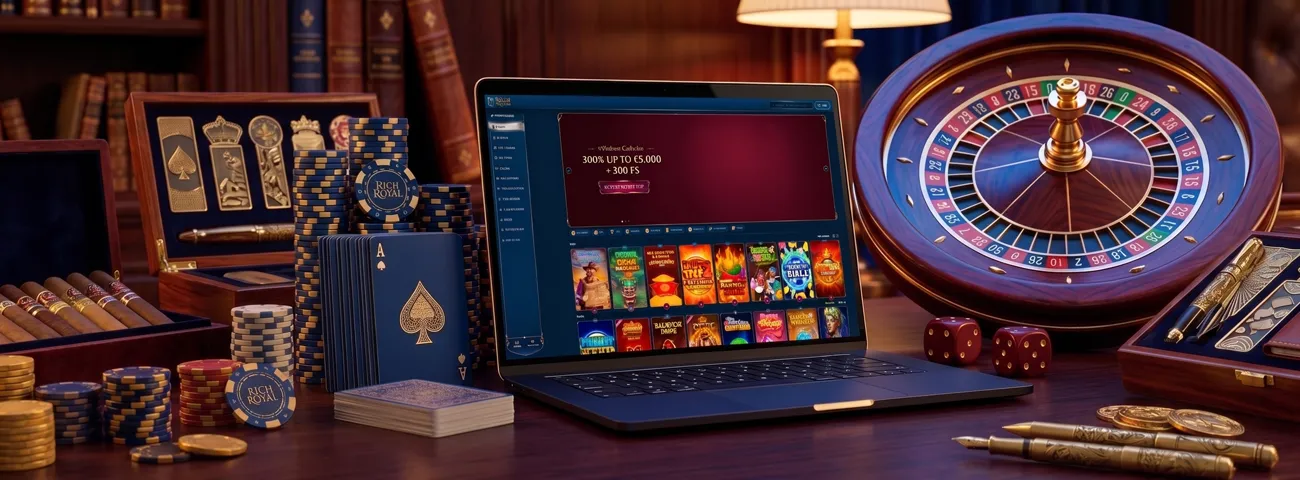
iPhone and iPad players add the RichRoyal app through Safari’s Share menu, tap Add to Home Screen, and confirm the suggested title before the icon appears next to native apps. That icon carries the same gold-and-black logo used across the brand, so it stays identifiable among a crowded home screen.
Opening it hides Safari’s toolbar completely, giving the gaming experience a full-screen layout closer to a native app than a browser tab.
Switching from an iPhone to a laptop mid-session keeps the account balance and active bonuses exactly where a player left them. Any game left mid-spin — Monaco Blackjack included — resumes the same way, since everything ties back to the same Rich Royal casino account rather than to the device itself.
RichRoyal Casino Application for Windows/macOS
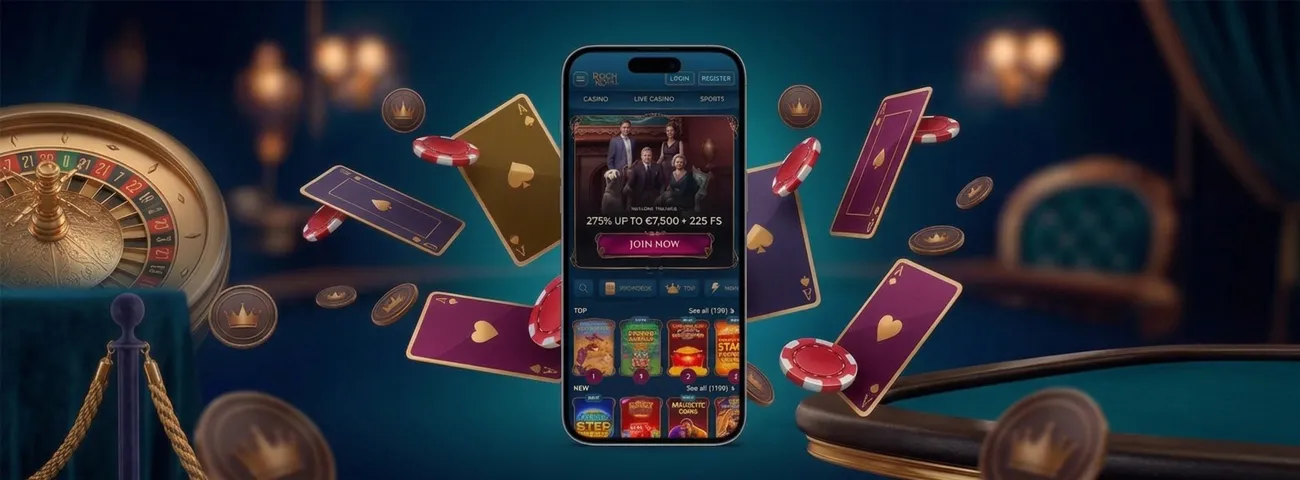
Windows and macOS players never need to install anything separate from the browser — Chrome, Edge, or Safari load the full RichRoyal Casino the moment richroyal.com opens, and the browser’s own menu can pin that page as a desktop shortcut. The larger screen suits longer sessions at the live tables, where Gold Saloon Blackjack and other live games benefit from more visible space than a phone offers.
Multiple browser tabs can run side by side on a desktop — a live dealer table next to a slot session, for instance — a layout mobile screens can’t match.
Every payment method and bonus available on Android or iOS carries over to RichRoyal on desktop without exception. The same applies to the full game category list, so the choice between devices comes down to screen size rather than access.
The table below lines up the setup step and icon behavior for each platform, along with how updates land:
| Feature | Android | iOS | Desktop |
|---|---|---|---|
| Setup step | Chrome menu → “Install app” | Safari Share menu → “Add to Home Screen” | Browser menu → “Create shortcut” |
| Icon behavior | Opens full-screen, no address bar | Opens in its own window, Safari toolbar hidden | Opens as a separate app-style window |
| Update method | Refreshes automatically on next open | Refreshes automatically on next open | Refreshes automatically on next open |
Support and Verification Across Devices
Reaching support from the RichRoyal app follows the same path as on desktop — live chat opens from the same menu, and the support team answers around the clock regardless of which device started the session. The verification process for a first withdrawal runs through the same secure upload on a phone as on a laptop, so a player never needs to switch devices mid-check. A single account carries the same data forward no matter which screen opens it at Rich Royal:
- Verified identity status.
- Deposit and withdrawal history.
- Active bonuses and wagering progress.
- VIP tier and collected rewards.
- Saved payment methods.
- Language and display preferences.
Once identity documents clear on one device, every other version of RichRoyal recognizes the same verified account instantly.
FAQ
Does the RichRoyal app send notifications for bonuses and promotions?
The PWA can request notification permission after installation, and once granted it delivers updates about new releases and promotions straight to the lock screen — separate from anything a browser tab alone would show.
Does the RichRoyal App Need a Stable Internet Connection to Work?
Live gameplay requires an active connection, but the shortcut keeps certain interface elements cached, so menus and previously viewed screens still open for a moment even when the signal weakens.
Can the RichRoyal App Be Removed From a Device at Any Time?
Yes — deleting the icon works the same way as removing any other home-screen shortcut. It has no effect on the account itself, since everything ties back to the RichRoyal Casino profile rather than to the device.


